Everyday Computer Skills
Build comfort with the technology used in everyday life.
- Computer, keyboard, and mouse basics
- Files and folders
- Email and online safety
- Google Drive and cloud storage
- Zoom and everyday platforms
Patient 1:1 Computer Lessons
At Dani’s Tech, learners receive patient, personalized computer instruction designed around their own pace, interests, and goals. Daniel guides every lesson step by step.
Choose your tech path
Each program is shaped around the learner’s current skills, interests, and goals. There is no required starting point and no pressure to keep up with anyone else.
Build comfort with the technology used in everyday life.
Make useful documents and presentations for school, work, and personal projects.
Plan, create, and publish a personal website or digital portfolio.
Learn to express interests, creativity, and accomplishments safely online.
A flexible, goal-based program for practicing difficult tasks, completing a personal digital project, or preparing for school, work, and greater independence.
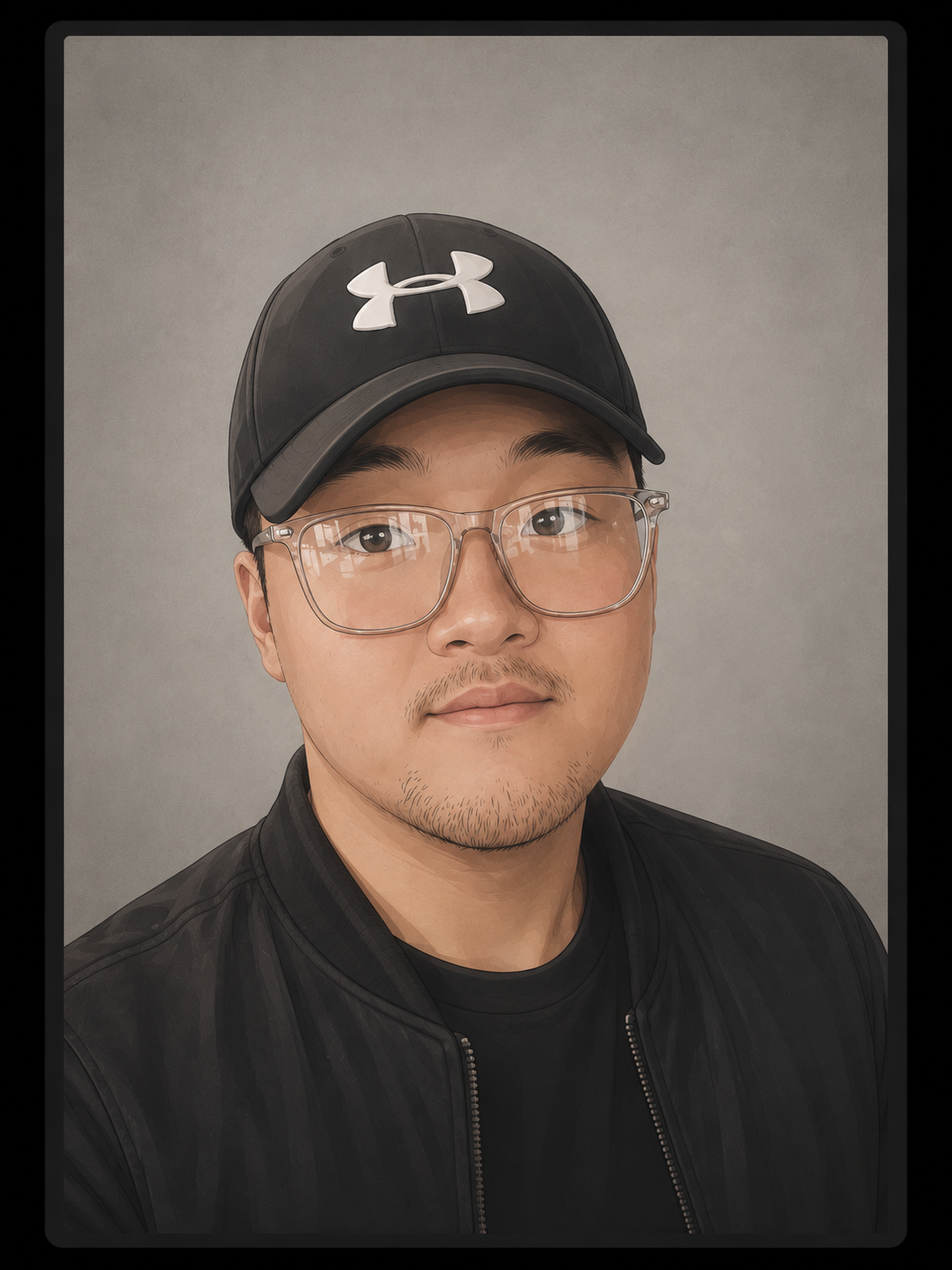
Meet Daniel
I’m a college student studying Computer Science and Engineering, and I enjoy helping others feel more comfortable with technology.
As a neurodiverse student, I know that traditional teaching methods do not work for everyone. Sometimes people need more time, clearer instructions, visual examples, repetition, or the freedom to learn in their own way.
My lessons are patient, practical, and personalized. I want each learner to feel safe asking questions, trying new things, and making mistakes.
Technology can help people communicate, create, learn, prepare for employment, and become more independent. My goal is to help every learner discover what they can do.
“No pressure. No rushing. Just learning, one step at a time.”
My teaching approach
Lessons are practical, supportive, and flexible. Learners can ask questions, repeat activities, and practice without feeling rushed.
We talk about what you want to learn, what feels difficult, and what would be meaningful to you.
Each task is broken into clear and manageable steps with room for repetition and questions.
Practice centers meaningful projects such as a website, presentation, flyer, portfolio, or social post.
Success looks different for everyone. Small steps matter, and every new skill is worth celebrating.
Who can benefit?
Dani’s Tech is designed for learners who benefit from patient explanations, hands-on practice, and a pace that respects how they learn.
Curiosity and a personal goal are enough to begin.
Lesson information
Each lesson is personalized around the learner’s interests, goals, learning style, and current skill level.
Let’s talk about your tech goals
Not sure which program is the right fit? Tell Daniel about the learner’s interests, current skills, and goals. Together, you can create a lesson plan that feels useful, comfortable, and motivating.